


How to Copy Blueprints or Layouts in Anno 117 Pax Romana
Wishing for a blueprint import and export feature.

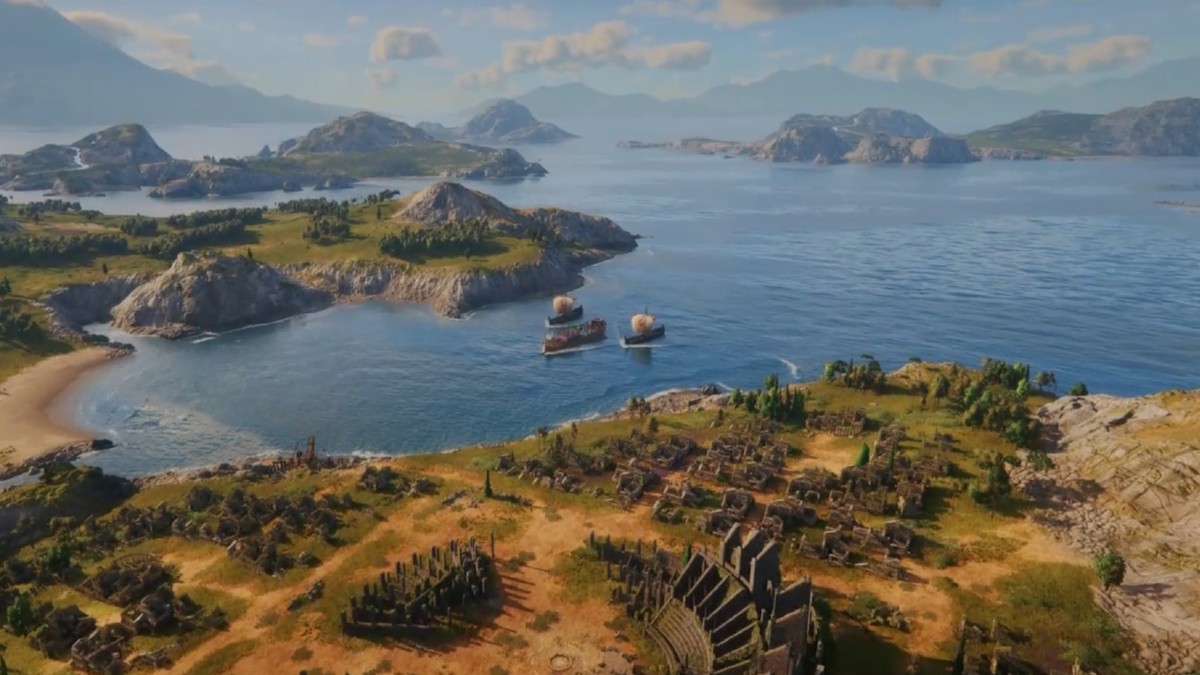
There’s no neat trick to copying a blueprint or layout online in Anno 117: Pax Romana. You must design a layout first and then copy it to mass-produce a production chain or a residential block.
Here’s how you can enter blueprint or planning mode and copy and paste these layouts in Anno 117: Pax Romana.
How to Enter Blueprint Mode in Anno 117 Pax Romana
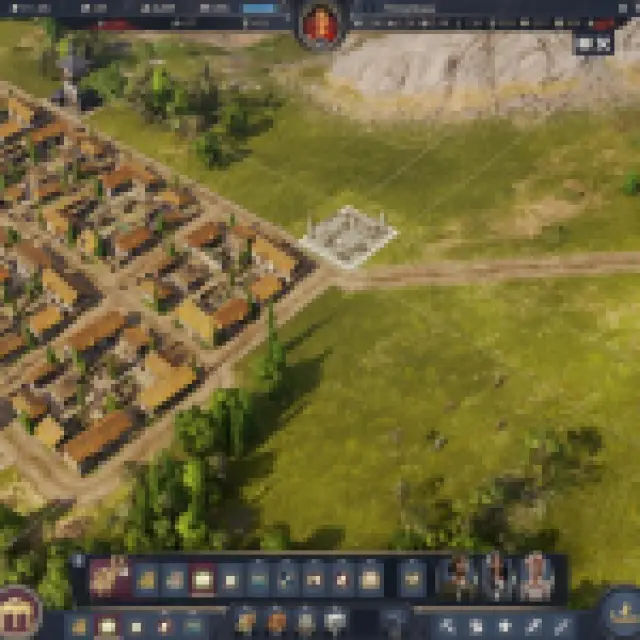
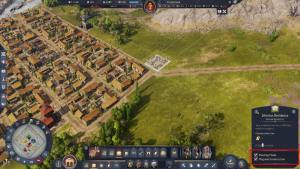
To enter blueprint mode, press V, and everything built will be a blueprint first. You can also click the “Planning Mode” option when building any structure and look at the lower-right tooltip. Use the planning mode and build ahead on certain production chains and future residence plots.
In most cases, you are planning more than you want to progress time, especially in the future, when you get overloaded with things to manage, like several islands and two provinces.
Once you have a design planned, you can use the upgrade tool by pressing “U.” Select all the structures you want to construct. You can hold “Shift” while clicking a specific building to construct all buildings of the same type.
How to Copy Blueprints in Anno 117 Pax Romana
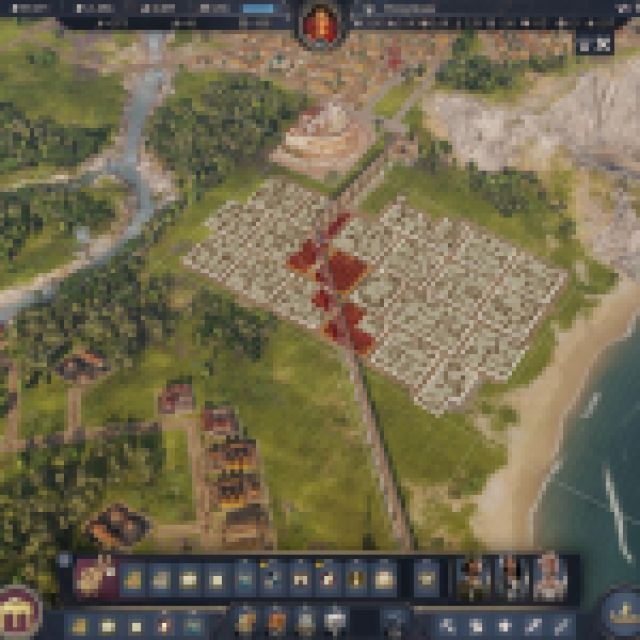
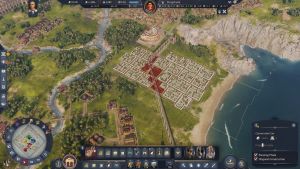
Once you have a blueprint layout, use the copy tool by pressing “C” and dragging the selector to how much you want to copy from a layout. You can even just copy blocks of 4×4 residences and place them on the grids.
Copying the layout also copies the road around, including aqueducts you might have inserted to the side. There’s no way to get a full blueprint copy of a past layout you have made, which I believe would be an amazing feature to add in the future. As your city grows, keep this copy tool mechanic in mind so you don’t mess up a good layout when you add more structures to it just to meet certain needs.
I suggest putting a blueprint layout of something you want on an empty space on any island, so you can easily copy and paste it somewhere.
When you copy layouts, also pay attention to the material costs. When you don’t have enough materials, you won’t be able to build the completed blueprint layout. You can see the total materials needed on the lower-right corner of your screen when you have a copied layout on your cursor.
If you still want to build it with insufficient materials, it’ll still build as many buildings as possible. Even if you see an obstacle that causes some of your buildings to get highlighted in red, the layout will still build when you click it.
If you are looking for efficient setups, check out our guide on all the perfect production ratios here.
If you’d like to see more helpful guides, news, or features from Prima Games, please consider adding us to your preferred sources.
